
StikTec barcode label guide
How to Make Barcode Labels That Scan Reliably
Barcode labels that scan reliably begin with approved data and the required barcode type, then carry that information through suitable size, quiet zones, contrast, material, placement, and print control. The finished label should be tested on the actual product with the intended scanning equipment and in the environment where it will be used. This guide helps B2B buyers turn controlled barcode data into labels that can be read consistently.
A barcode is more than a graphic. It is a physical carrier for machine-readable information, often accompanied by human-readable text. A correct-looking symbol can still fail after printing, application, handling, glare, abrasion, curvature, or data changes. Define the receiving system, product surface, scanner, and real use conditions before approving artwork or production.
In This Guide
- Barcode types, approved data, serialisation, and code selection.
- Materials, size, quiet zones, contrast, printing, placement, and handling.
- Scan testing, formal verification, troubleshooting, and an inquiry checklist.
Overview
Barcode Reliability Starts Before Printing
A barcode label is a physical carrier for machine-readable data and, in many cases, human-readable text. Reliable scanning begins before artwork is built. The buyer needs to define what must be encoded, who will read it, where it will be read, and what the finished label will experience after it is applied.
A retail product, warehouse bin, shipping carton, industrial asset, and consumer QR label can all use machine-readable symbols, but their requirements are different. The receiving system may require a particular symbology or data structure. The scanner may be a point-of-sale device, handheld terminal, fixed reader, service scanner, or smartphone camera. The label may also face handling, moisture, cleaning, flexing, heat, glare, or abrasion.
Barcode reliability is therefore a chain of decisions, not a last-minute artwork adjustment. Confirm the current retailer, customer, industry, GS1, ISO, or regulatory requirements that apply to the specific product. A visual review helps, but visual appearance alone does not prove a barcode is scannable.
Barcode Label Planning by Application
| Application | Typical Data Need | Scan Environment | Planning Focus |
|---|---|---|---|
| Retail products | Product identifier | Point of sale | Applicable retail standard, contrast, placement |
| Warehouse labels | SKU, location, batch | Handheld or fixed scanner | Scan distance, label orientation, durability |
| Logistics units | Shipment or carton ID | Distribution center | Label position, handling damage, system compatibility |
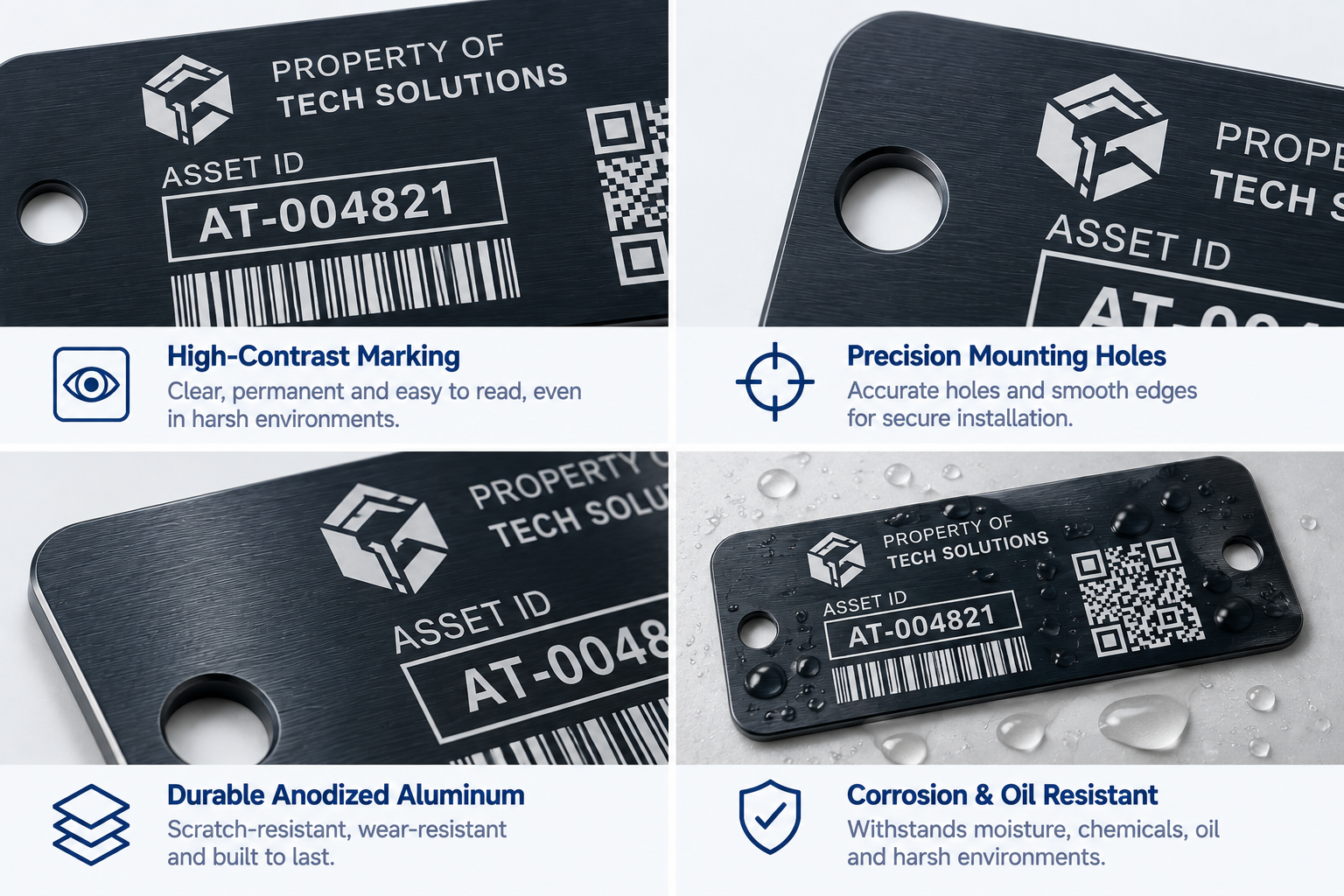
| Asset tracking | Asset ID and serial number | Facility or field use | Abrasion, chemical exposure, long-term readability |
| Industrial equipment | Model, serial, maintenance data | Production or service area | Surface condition, heat, oil, cleaning agents |
| Consumer QR labels | URL or digital content | Smartphone camera | Data destination, contrast, print clarity |
Code selection
Choose the Right Barcode Type
The barcode type should follow the receiving system and the data requirement, not a decoration preference. Linear one-dimensional symbols, two-dimensional matrix codes, retail symbols, internal inventory codes, traceability codes, and consumer QR Codes support different data structures and reading workflows.
Some codes carry a shorter structured value and are suited to established inventory or logistics processes. A QR Code may direct a customer to a web destination, while a Data Matrix symbol may be selected where dense information must fit within a compact mark area. A serialized code may connect a unique item to an internal database, but the supplier, buyer, and system owner need to agree on the source data and logic.
Not every barcode is a GS1 barcode. The correct code type and data structure depend on the retailer, industry, customer system, traceability requirement, and applicable standard.
Before Selecting a Barcode Type
- What data must be encoded?
- Which system or customer will read it?
- Is the code product-level, carton-level, asset-level, or consumer-facing?
- Is variable data required?
- Are there mandated standards or retailer rules?
- What scan distance, device, and surface conditions apply?
| Barcode Category | Can Carry | Common Use | Buyer Must Confirm |
|---|---|---|---|
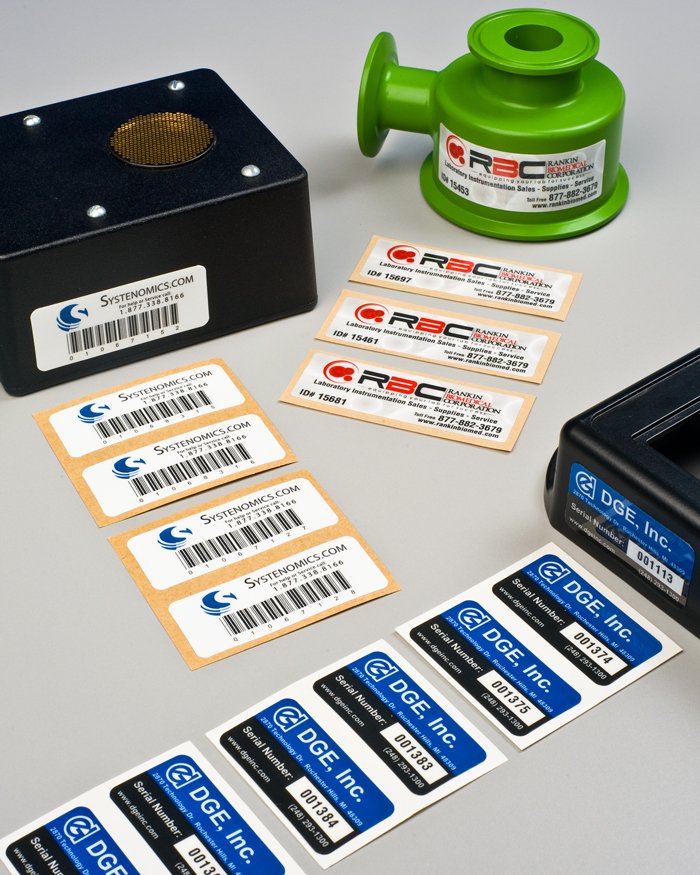
| Linear 1D code | Shorter structured data | Inventory, logistics, retail workflows | Required symbology and scanner compatibility |
| Retail barcode | Product identification data | Consumer retail products | Retailer and GS1 requirements |
| QR Code | URLs or variable information | Product engagement and instructions | Intended destination and scanner experience |
| Data Matrix | Dense data in a compact area | Traceability and industrial identification | Code rules, mark size, reading equipment |
| Serialized code | Unique item-level identifier | Asset management and traceability |
Data control
Prepare Accurate Barcode Data
Barcode print quality cannot repair incorrect data. A symbol may scan perfectly and still point to the wrong product, shipment, serial number, location, batch, date, or web destination. Treat approved source data as part of the production specification rather than as an informal text field placed into artwork.
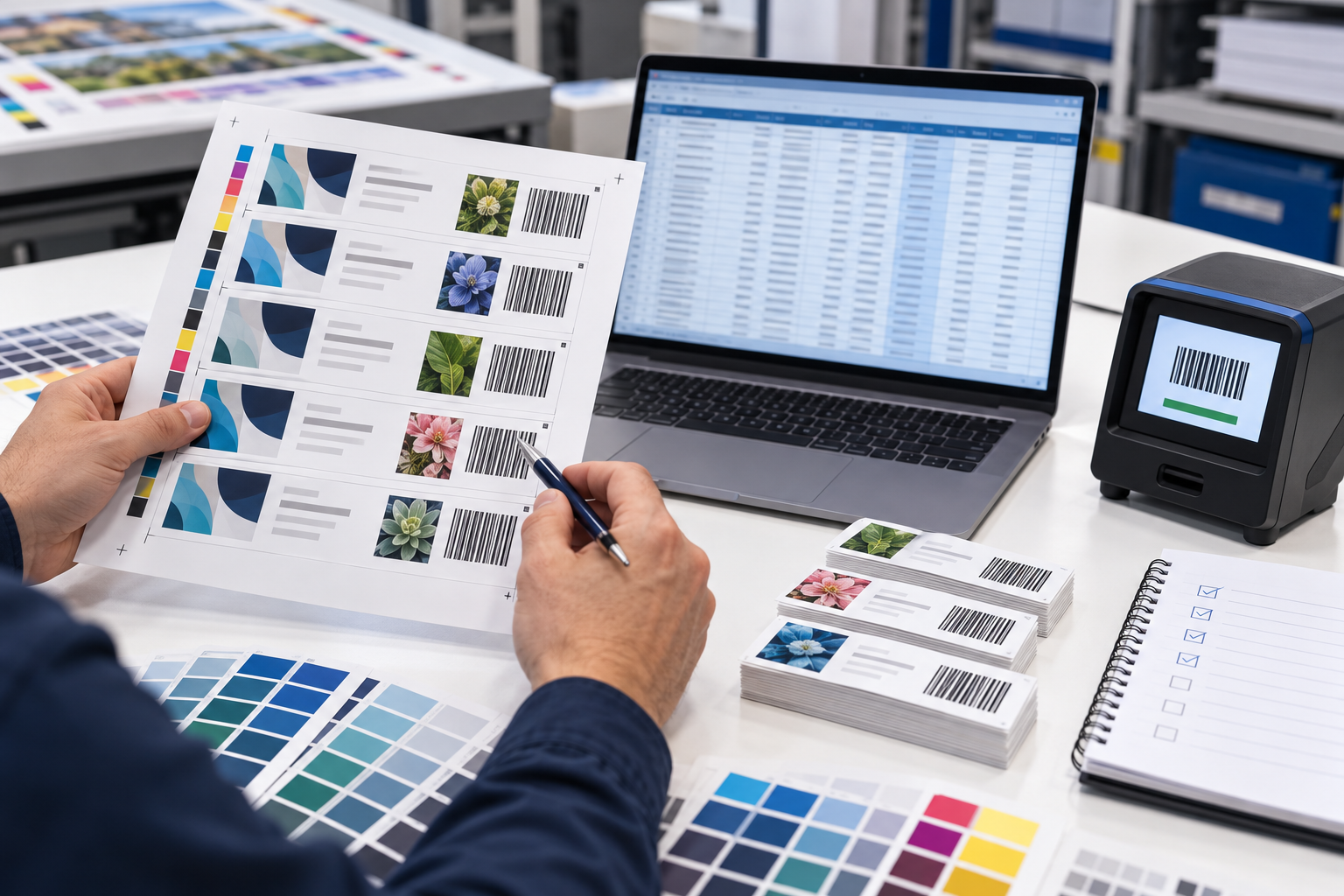
Leading zeros, check digits, prefixes, separators, character sets, data syntax, and sequence rules can matter. The human-readable line below a code should also be reviewed where it is required for manual checks. For a variable-data job, define how serial numbers are created, how records are mapped to artwork, how duplicates are prevented, and who approves the final file.
For QR Codes, test the intended live destination before production. A correct printed pattern cannot compensate for an outdated URL, redirected page, unavailable landing page, or incorrect campaign destination.
Data Checks Before Artwork Approval
| Check | Why It Matters |
|---|---|
| Approved source file | Prevents manually typed or outdated values. |
| Correct barcode symbology | Ensures the scanner interprets data correctly. |
| Exact encoded characters | Avoids missing digits, spaces, or incorrect prefixes. |
| Human-readable text review | Helps manual confirmation when required. |
| Serial number sequence | Prevents duplicate or skipped identifiers. |
| Destination link test | Confirms QR Codes open the intended live destination. |
| Version control | Stops obsolete artwork from being reused. |
Material choice
Select Label Materials for the Environment
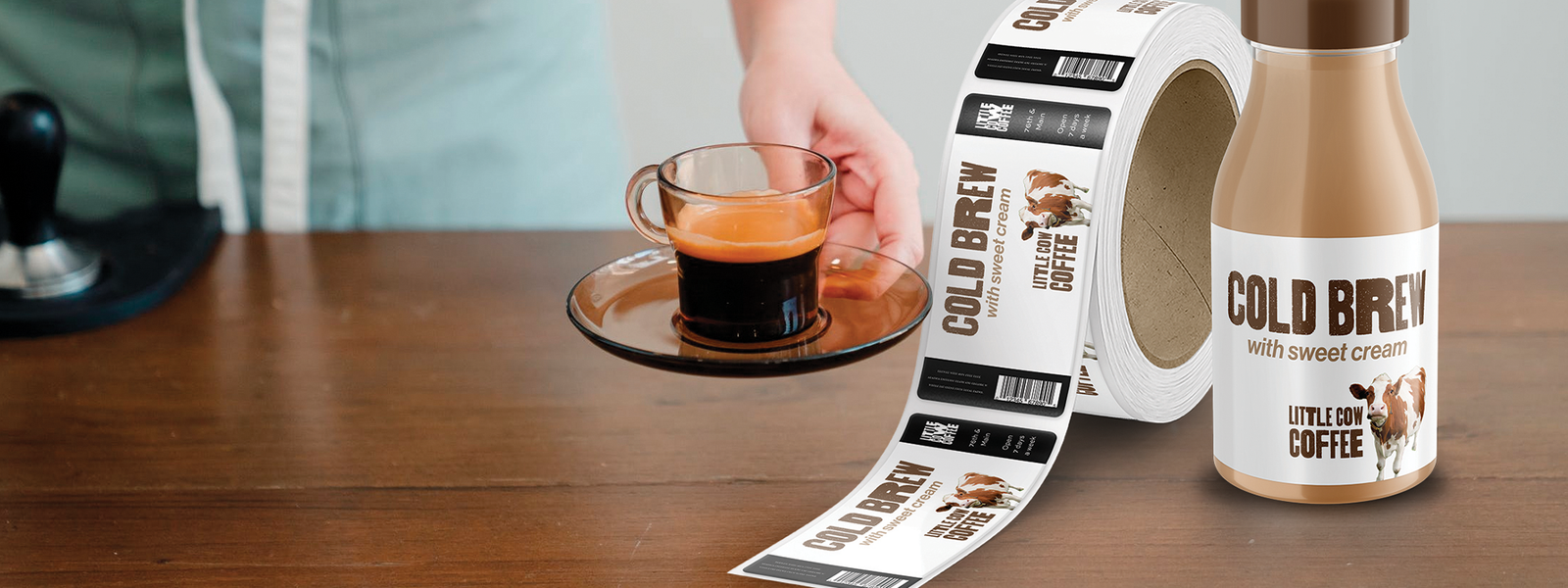
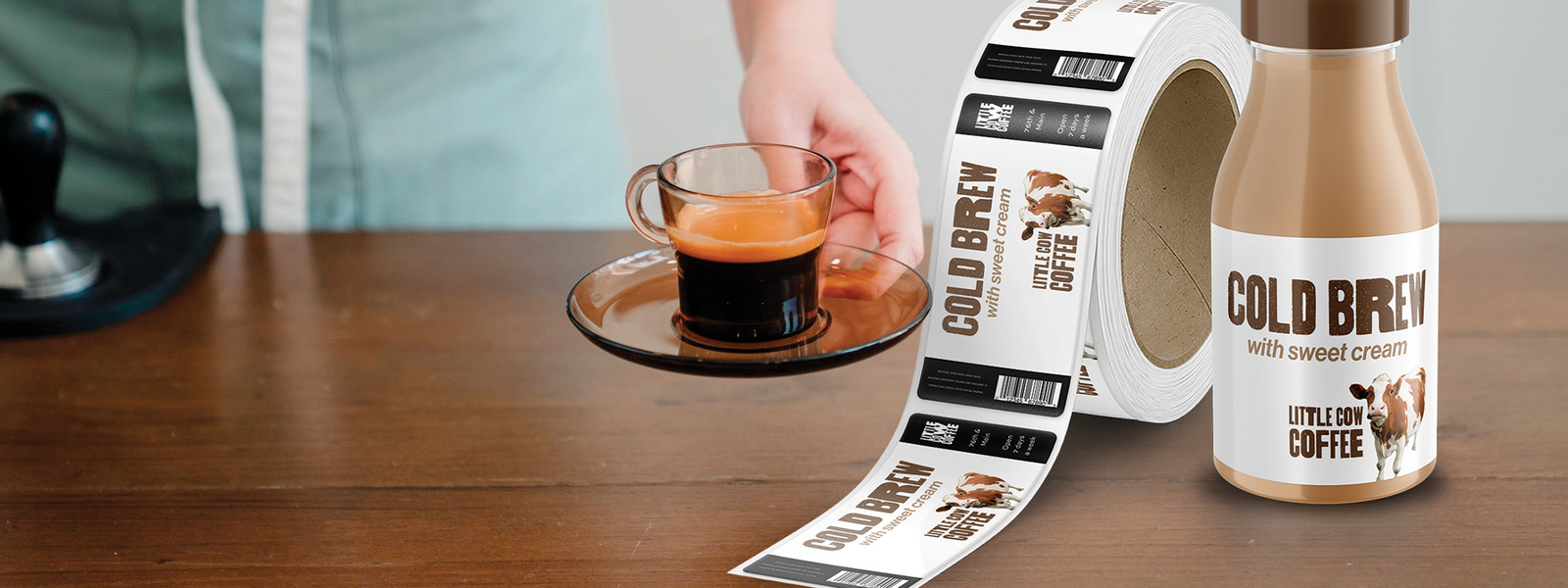
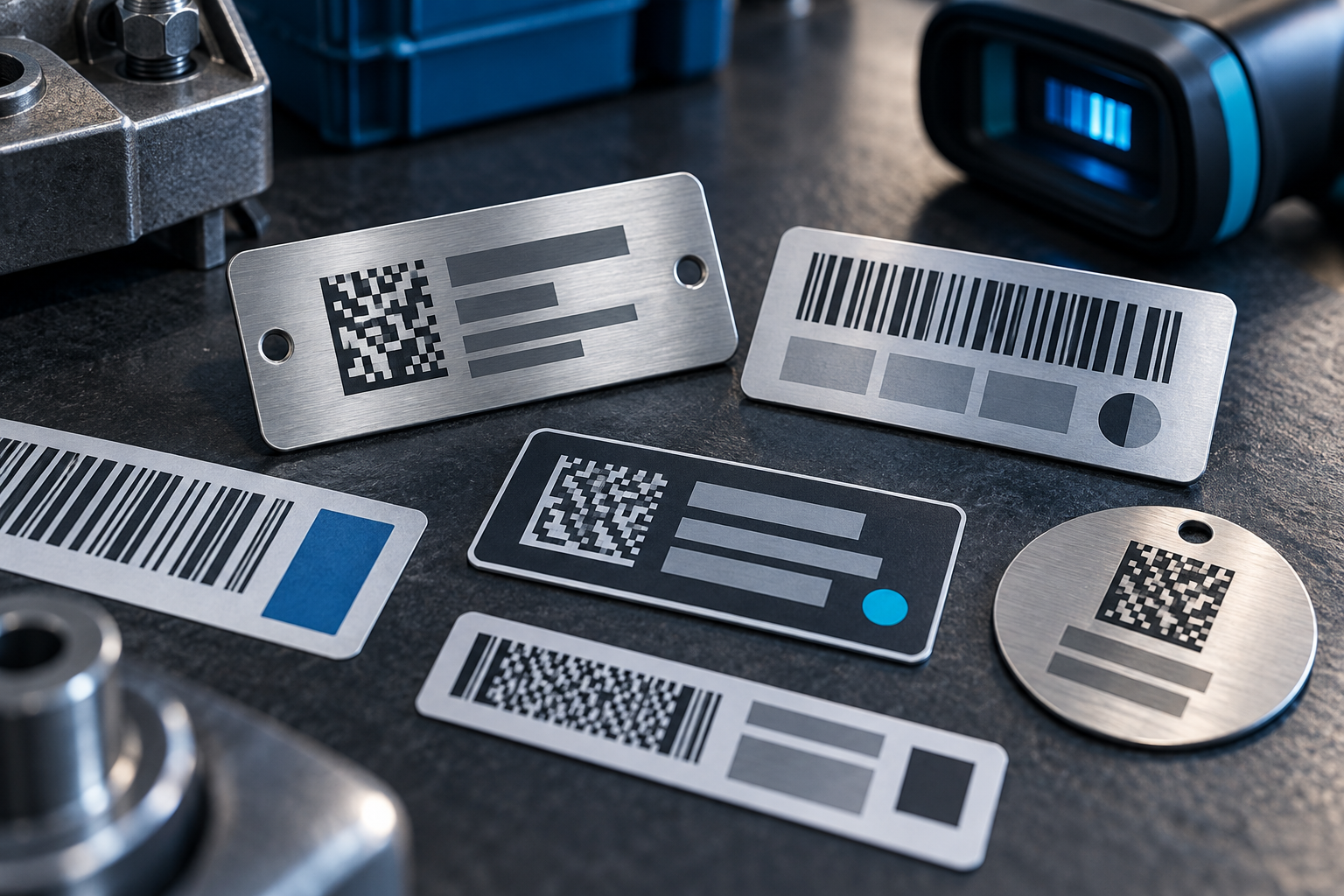
Barcode labels must remain readable after application. Paper labels can suit controlled indoor packaging and selected dry uses. Durable film-based directions such as PET or PVC may be considered when a project calls for stronger resistance to handling or environmental exposure. The right construction still depends on the complete application.
Review the actual surface, adhesive, print method, finish, abrasion, moisture, chemicals, heat, cold, sunlight, flexing, and service expectations. Do not assume that a named material is automatically waterproof, chemical-resistant, or permanent. A durable barcode needs the printed code, label face, adhesive, and applied product surface to work together.
For a high-value asset or industrial label, readability over time may matter as much as initial adhesion. For a carton label, scan contrast and handling damage may be the main concern. Test the approved construction on the actual product before a full release.
Material Questions for Barcode Labels
| Condition | Questions to Ask |
|---|---|
| Smooth packaging | Does the adhesive bond well to the actual surface? |
| Curved container | Will the label remain flat without lifting or wrinkling? |
| Refrigerated or frozen goods | Will application temperature and moisture affect adhesion? |
| Outdoor equipment | Will sunlight, moisture, and abrasion affect readability? |
| Industrial machinery | Are oil, cleaning chemicals, heat, or vibration present? |
| Long-life assets | How long must the printed information remain readable? |
Symbol size
Keep the Barcode at Its Intended Size
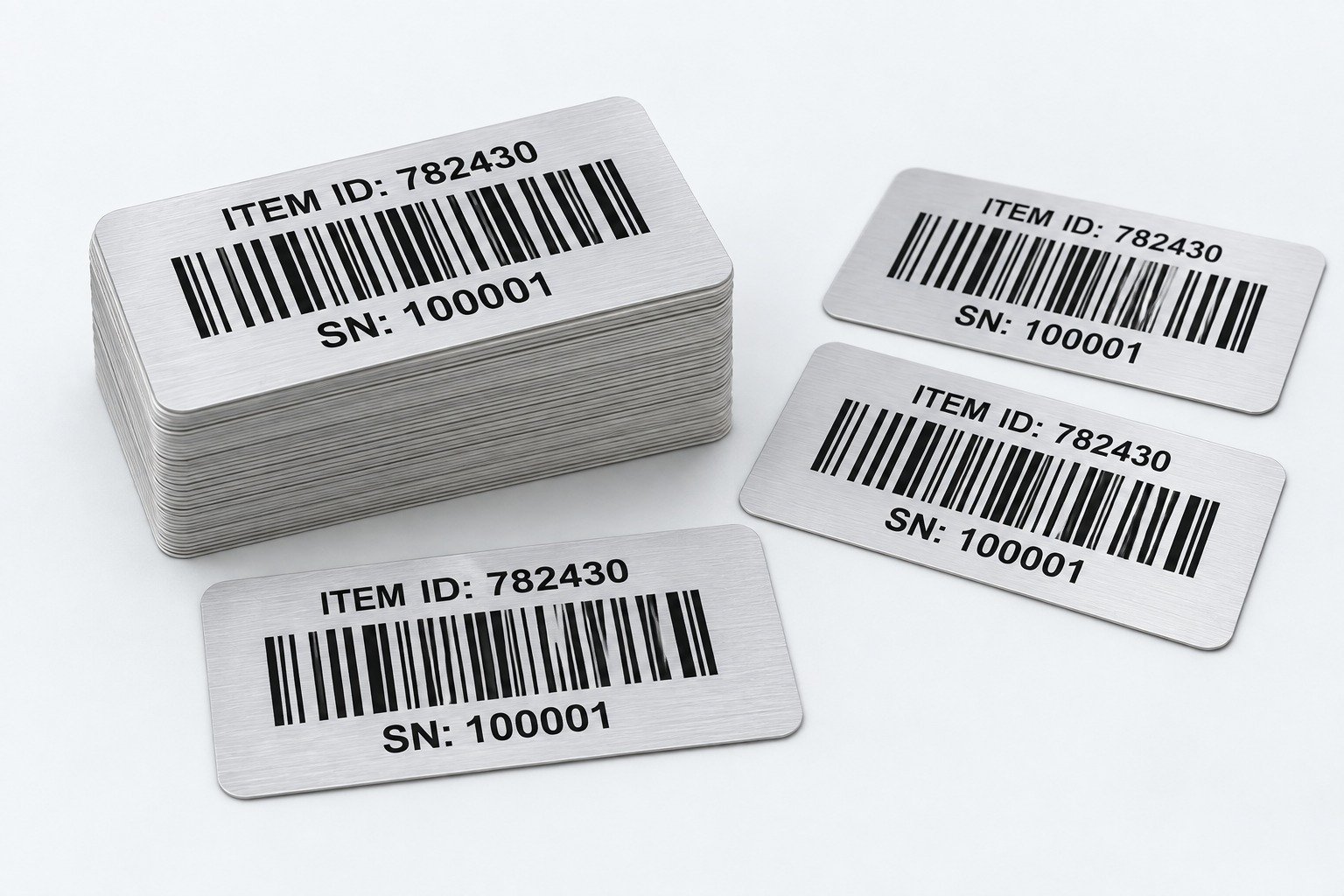
Barcode size should be based on the code type, data content, printer capability, intended scan distance, label area, and relevant specification. In many code types, module size describes the smallest barcode element. Reducing that element can reduce scanner tolerance and make ordinary print variation more significant.
Do not resize a barcode casually to fill remaining artwork space. Do not stretch a linear code horizontally or vertically. Do not crop the code, truncate it, or reduce its quiet zone. A screen preview cannot prove that the final printed symbol retains suitable edges, spacing, contrast, and physical dimensions.
- Approve the actual printed size, not only a screen mock-up.
- Keep the barcode construction generated from an approved source.
- Confirm applicable requirements with the retailer, customer, system owner, or standard.
- Validate the final symbol on the final material and product.
Protected clear space
Protect the Quiet Zone
The quiet zone is the clean, unprinted area surrounding a barcode that helps a scanner locate the symbol. It is not spare artwork space. The required amount of clear space varies by barcode symbology and applicable specification, so it should be taken from the approved barcode requirements rather than guessed.
Keep text, logos, patterns, borders, die-cut edges, folds, perforations, metallic effects, and other code-like elements out of the protected area unless the final result has been validated against the applicable requirement. A visually attractive border placed too close to a code can be a functional problem.
Quiet Zone Review Checklist
- Clear space is preserved on all required sides.
- No text, logos, patterns, or borders intrude into the area.
- The code is not too close to the label edge.
- The code is not interrupted by a seam, crease, or die-cut shape.
- The final label matches the approved barcode source.

Print clarity
Use Strong Contrast and Clean Print
Dark code elements on a light, non-reflective background are generally easier for scanners to interpret. Pale colours, transparent backgrounds, busy graphics, metallic foil, glossy glare, low ink density, blurred edges, print voids, and excessive ink spread can reduce reading reliability.
Design and production teams should review the physical sample under the lighting and handling conditions that matter. A label can look acceptable on a flat proof yet produce glare on a curved bottle, merge fine elements after printing, or show incomplete variable data after a production change.
| Risk | Why It Can Affect Scanning | Practical Control |
|---|---|---|
| Low contrast | Scanner may not distinguish dark and light areas. | Use a validated high-contrast code area. |
| Glossy reflection | Glare can interfere with optical reading. | Check the actual finish under use lighting. |
| Fine print defects | Bars, spaces, or modules may merge or break. | Review production samples. |
| Busy background | Scanner may struggle to isolate the code. | Keep the code area clear. |
| Decorative alteration | Code structure may change. | Preserve approved barcode construction. |
| Variable-data mismatch | Printed data may not match the source file. | Use controlled data and proof checks. |
Physical placement
Place Labels Where Scanners Can Read Them
Placement is a physical decision. A correct code can still fail if it sits across a curve, package fold, carton flap, seam, rough texture, handle area, or abrasion zone. The barcode needs a readable area on the completed product, not merely on the flat label before application.
Review both the application process and how the product will be presented to the scanner. Carton labels may need to stay clear of taped seams and corners. Bottle labels may need enough flat surface to avoid distortion. Equipment labels may encounter oil, service handling, curved panels, reflective paint, and cleaning processes.
Placement Review by Product Type
| Product Type | Placement Concern | Review Question |
|---|---|---|
| Glass bottle | Curvature and condensation | Is there a sufficiently flat readable area? |
| Plastic bottle | Squeeze, flex, and molded texture | Will the label distort during handling? |
| Folding carton | Creases and panel folds | Is the barcode clear of folds and edges? |
| Corrugated carton | Surface texture and handling damage | Will print and label adhesion remain consistent? |
| Metal equipment | Oil, heat, and reflective surfaces | Does the label remain readable in service? |
| Small consumer pack | Limited label area | Can the required code remain intact at approved size? |
Production control
Match Printing to the Barcode Requirement
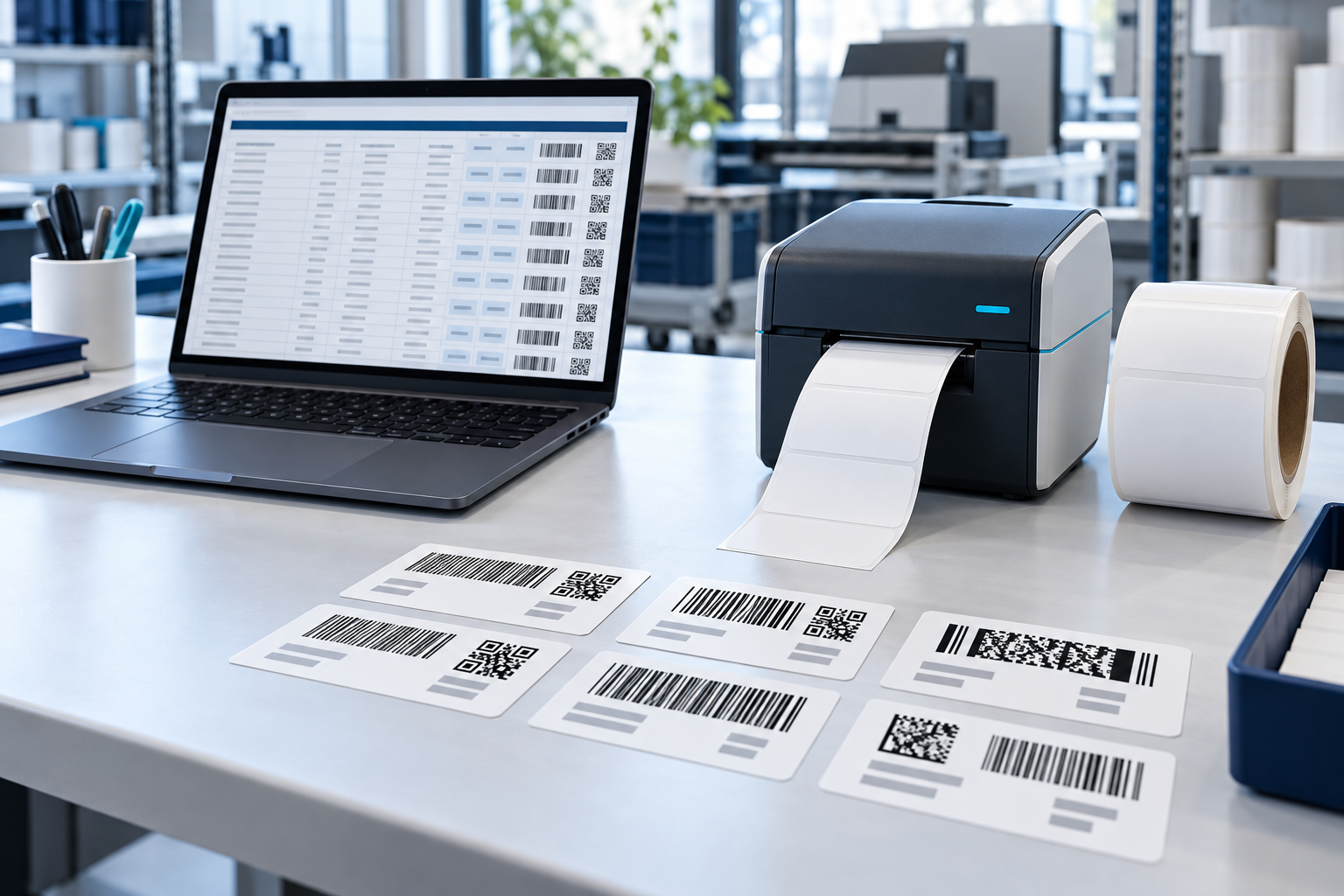
Print technology, resolution, ink or ribbon selection, label stock, finishing, variable-data control, and production consistency all influence barcode quality. No single print method is universally best. The right approach depends on the code type, label material, data volume, required opacity, finish, application, and validation criteria.
Build artwork from a reliable barcode source rather than manually drawing bars or modules. Then produce a representative final-size sample. Inspect printed edges, contrast, quiet zones, human-readable text, and variable fields before approving the production specification. A successful scan test is useful, but it is different from formal verification.
- Confirm approved barcode data and code type.
- Build artwork from a reliable barcode source.
- Select material and print approach for the intended environment.
- Produce a representative sample at final size.
- Inspect edges, contrast, quiet zones, and variable data.
- Scan the actual sample with intended equipment.
- Arrange formal verification when required.
- Lock the approved artwork, data source, and production specification.
Validation
Understand Scan Testing and Verification
Scan testing and formal verification are related but different activities. A scan test asks whether a particular scanner reads a particular printed sample in a particular situation. It is a practical check for the planned workflow. It does not automatically establish compliance with every customer, retailer, or standard requirement.
Formal verification uses a specified method to measure barcode quality for the relevant requirement. It may be required in selected supply chains, customer programs, industries, or barcode systems. Buyers should define any verification need before production, including who requests it, what method applies, and which printed condition is to be assessed.
Do not claim a grade, certification, or compliance outcome unless it has genuinely been obtained and documented for the relevant item. StikTec can review project details for custom label manufacturing; barcode issuance, GS1 certification, verification grades, laboratory testing, and compliance certification should not be assumed without separately confirmed scope.

| Activity | What It Checks | What It Does Not Prove Alone |
|---|---|---|
| Scan test | Whether a specific scanner reads a printed sample | Full compliance with every customer or standard requirement |
| Artwork review | Whether data, size, placement, and visual elements appear correct | Actual production print quality |
| Production inspection | Whether the run looks consistent | Formal barcode quality grade unless verified accordingly |
| Formal verification | Measured barcode quality against the specified method or standard | Fitness for unrelated equipment or changing conditions |

Use environment
Plan for Handling and Exposure
Labels can experience friction, moisture, oil, alcohol, cleaning chemicals, temperature changes, condensation, ultraviolet exposure, and repeated scanning. The suitable construction should be assessed against the real product surface and environment rather than described with a broad material claim.
- Indoor shelf products: focus on packaging surface, print clarity, and retail requirements.
- Warehouse labels: consider scan distance, handling, and carton abrasion.
- Refrigerated goods: consider condensation and application conditions.
- Industrial labels: consider chemicals, heat, oil, vibration, and maintenance cleaning.
- Outdoor assets: consider sunlight, rain, dirt, and long-term exposure.
- Medical or controlled applications: confirm applicable traceability and customer requirements separately.
Buyers remain responsible for confirming applicable labeling, packaging, material, market, and regulatory requirements for their own application.
Troubleshooting
Avoid Common Barcode Failures
A code can fail at several points: incorrect source data, unsuitable symbology, altered artwork, insufficient quiet zone, poor contrast, print variation, unsuitable material, a difficult surface, poor placement, or actual use damage. Work through the chain from approved data to the final applied label instead of changing the code visually without evidence.
Do not distort, stretch, truncate, recolour, or decorate a barcode without validating the result against the applicable requirement. If a customer or retailer rejects a label, return first to its current program guidance and the approved code source.

| Problem | Likely Cause | First Review Step |
|---|---|---|
| Barcode will not scan | Wrong data or symbology | Compare decoded data with the approved source. |
| Intermittent scans | Low contrast, glare, or print inconsistency | Inspect final samples under real lighting. |
| Scanner reads the wrong value | Incorrect source data or variable-data mapping | Audit the data file and serialization rule. |
| Code scans before application but not after | Curvature, wrinkles, damage, or surface reflection | Test after applying to the final product. |
| Retailer rejects packaging | Nonconforming placement or code requirement | Check current retailer and program guidance. |
| QR Code opens the wrong page | Incorrect or outdated encoded URL | Test the production data before approval. |
| Barcode fails after use | Abrasion, chemicals, moisture, or heat | Reassess material, print, and protective construction. |

B2B planning
Prepare a Better Barcode Label Inquiry
A detailed inquiry gives a label supplier a practical basis to review material, print, data-handling, and application needs. It also helps purchasing, packaging, engineering, and operations teams compare like with like. State what will be read, where it will be read, the product surface, the exposure conditions, and any customer-owned barcode requirement before requesting a quote.
Include sample information where available, but keep the source data controlled. If the project contains serial numbers, batches, dates, or other variable data, define the file format, data owner, proof step, and exception process. A supplier should not be expected to infer retailer rules, system logic, or formal verification needs from a visual label alone.
Buyer Checklist
- Product type and application surface.
- Barcode type or customer-required standard.
- Data to encode and approved data source.
- Serial numbers, batches, dates, or variable-data needs.
- Required human-readable text.
- Final label dimensions and barcode location.
- Expected environmental exposure.
- Quantity, roll direction, and application method.
- Scanner type and scan distance, if known.
- Requested scan testing or third-party verification requirement.
- Artwork file or label reference sample.

Frequently asked questions
Frequently Asked Questions
Use these concise answers to prepare a clearer barcode-label requirement.
What makes a barcode label scan reliably?
Reliable scanning comes from the complete chain: correct data, appropriate symbology, preserved quiet zones, suitable physical size, high contrast, sharp print, durable material, appropriate placement, and real-world testing. The code must remain readable after it is printed and applied to the finished product. A strong result should be checked against the actual scanner, surface, light, handling, and environment that apply to the project.
- Control data and code type first.
- Protect the printed symbol and quiet zone.
- Test the final applied label.
What barcode should I use for my product?
The answer depends on the receiving system, encoded data, customer requirements, and whether the label is used for retail, logistics, traceability, assets, or consumer engagement. A retailer, system owner, or customer may specify a required symbology and data structure. Do not choose a code only because it fits a visual layout; first define who reads it, what they expect to decode, and what rules apply.
Can I make a barcode smaller to fit a label?
Barcode size should not be reduced without checking the applicable requirements and validating the final printed result. Module size, data content, scanner tolerance, print capability, quiet zones, and scan distance can all be affected. A code that looks acceptable on a screen can become difficult to read when printed too small, placed on a curve, or exposed to normal production variation.
What is a barcode quiet zone?
A quiet zone is the required clear area around a barcode. It helps the scanner identify where the symbol begins and ends. Graphics, text, borders, label edges, folds, patterns, and other marks can interfere if they enter this space. The required clear area depends on the barcode type and applicable specification, so retain it from the approved source rather than creating it by visual judgment.
Why does a barcode scan on screen but not on the final label?
A screen has controlled contrast and no label surface, finish, curvature, glare, handling damage, print defects, or variable-data mapping issue. The finished product introduces real physical conditions. Compare the printed code, quiet zone, material, finish, product surface, placement, and decoded value with the approved source. Then test it with the intended equipment in the expected environment.
Is a phone scan enough to approve a barcode?
Phone testing can be useful for selected QR Code experiences, especially when confirming that a destination opens. It does not replace testing with the intended scanning equipment or formal verification where required. A phone camera, retail scanner, warehouse terminal, fixed reader, and industrial device can have different optics, software, distance, lighting, and acceptance rules.
Can barcode labels include serial numbers and batch numbers?
Yes, when the selected barcode type, data rules, and variable-data workflow are defined correctly. Confirm the approved source data, serialization logic, required human-readable text, proof process, and scan-system compatibility first. Controlled data mapping matters as much as the printed symbol: a readable barcode that links to the wrong record is not a reliable identification label.
What information should I send StikTec for a barcode label quote?
Share the product and surface, barcode type or required standard, approved data source, label size, barcode location, quantity, material and environmental conditions, application method, and quality expectations. Include serial, batch, date, or variable-data needs where relevant. If a retailer, customer, or system owner requires scanning or formal verification, state that requirement before production planning begins.

Summary
Make Barcode Labels for Real Conditions
Barcode labels that scan reliably are made by controlling the complete chain: approved data, correct code type, suitable physical size, protected quiet zones, readable contrast, material selection, placement, print consistency, and final validation. Treat the barcode as a functional symbol rather than decorative artwork. Confirm the current requirements with the retailer, customer, system owner, or applicable standard before production.
Then test final printed labels on the finished product, with the intended scanner and in realistic conditions. Keep the approved artwork, source data, material, finish, and production revision controlled for repeat supply. Contact StikTec with your barcode-label project details so the product surface, label format, variable-data needs, and application environment can be reviewed together.
- Confirm required data and barcode type.
- Preserve symbol proportions and quiet zones.
- Use a clean, high-contrast print area.
- Choose material for the actual product environment.
- Test final printed labels on the finished product.
- Define any formal verification requirement before production.
Project inquiry
Discuss Your Barcode Label Project
Send barcode label requirements for custom manufacturing review, including labels for product identification, serial numbers, assets, cartons, and industrial equipment. Share the product surface, barcode data needs, size, quantity, environment, and delivery format.

Related articles
Related Articles
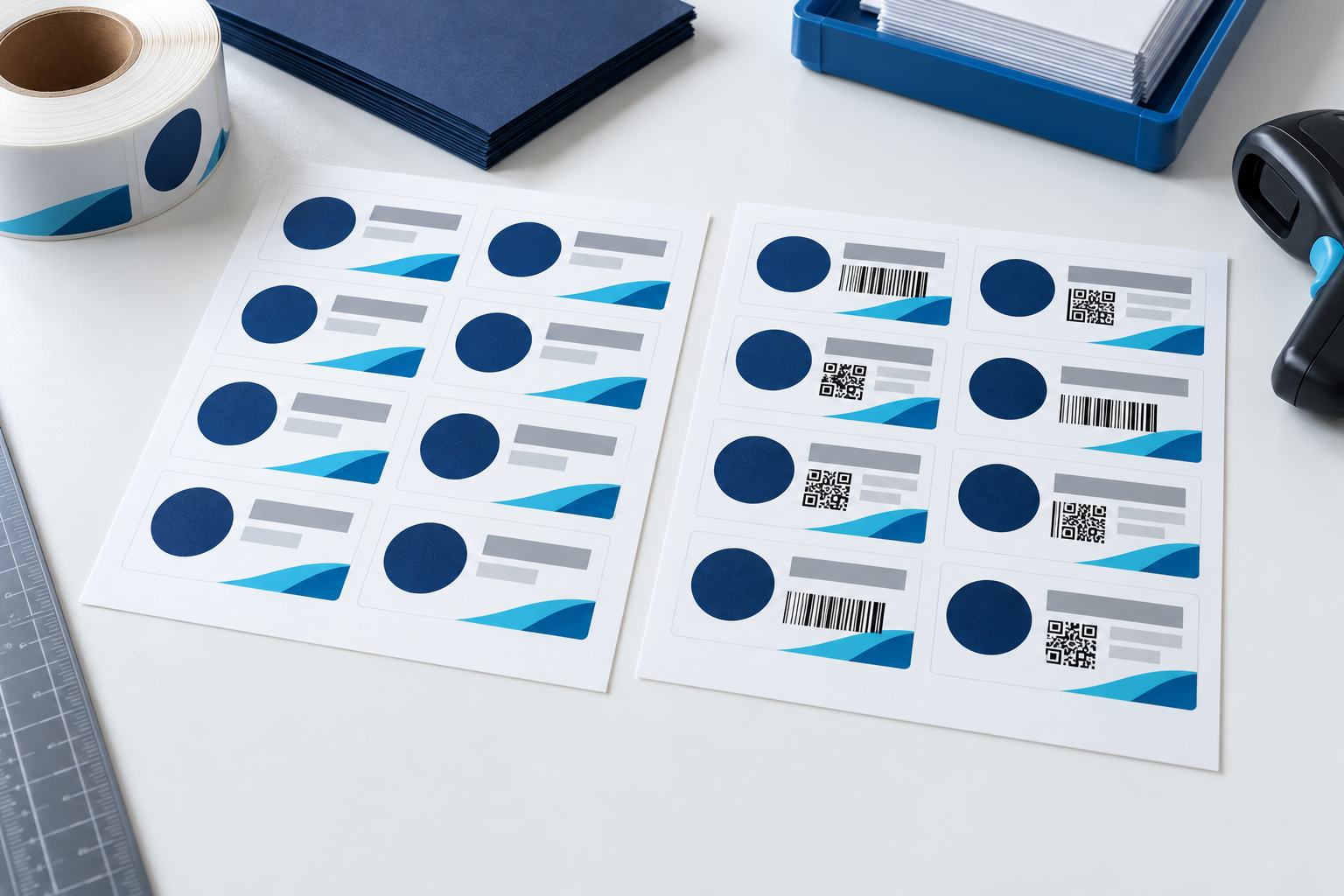 Variable data
What Is Variable Data Printing?
Learn how variable data printing supports serial numbers, batch codes, personalized labels, and controlled product identification.
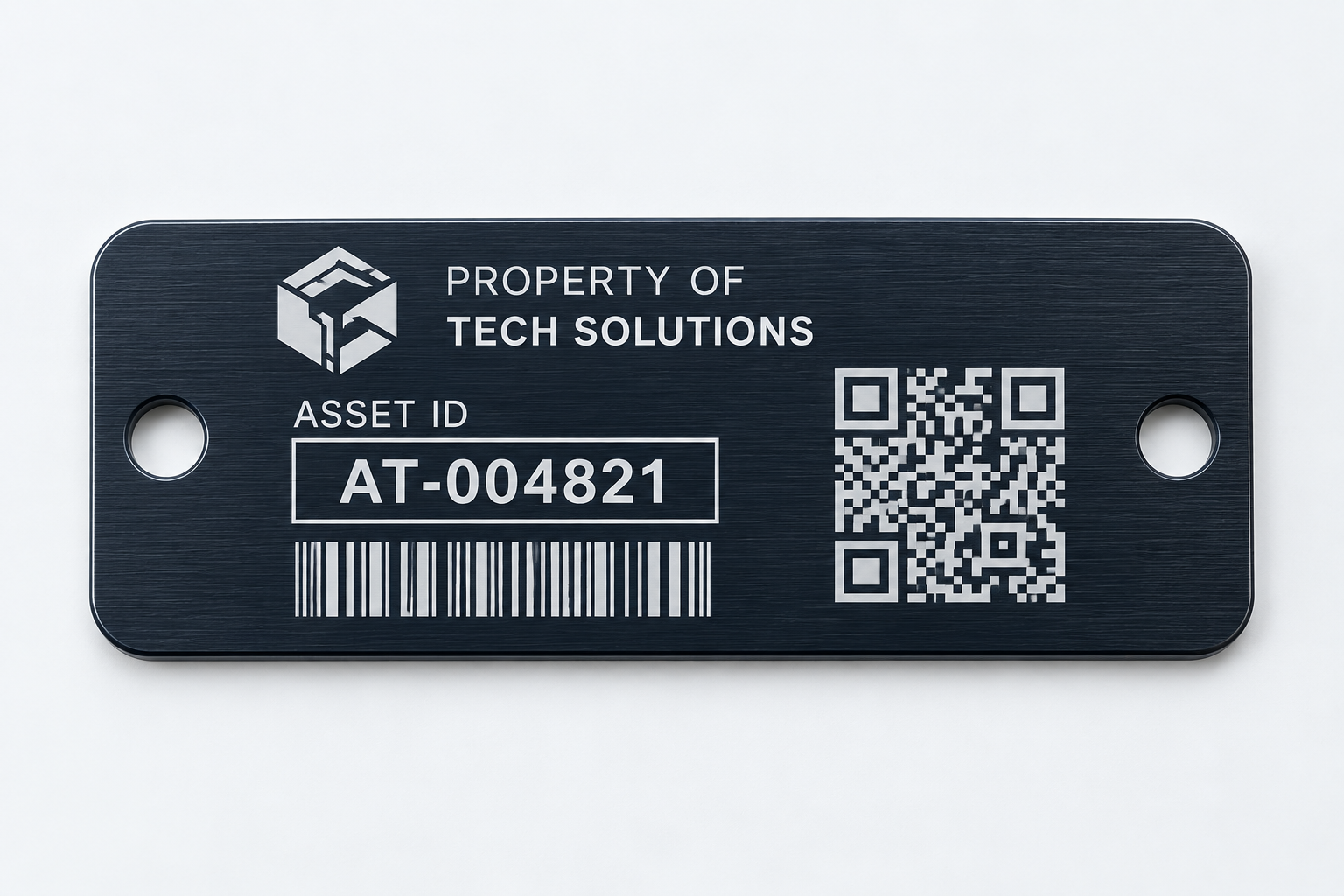 Asset identification
What Are Asset Tags and Why Do Businesses Use Them?
Explore durable asset identification labels for equipment tracking, maintenance records, and operational accountability.
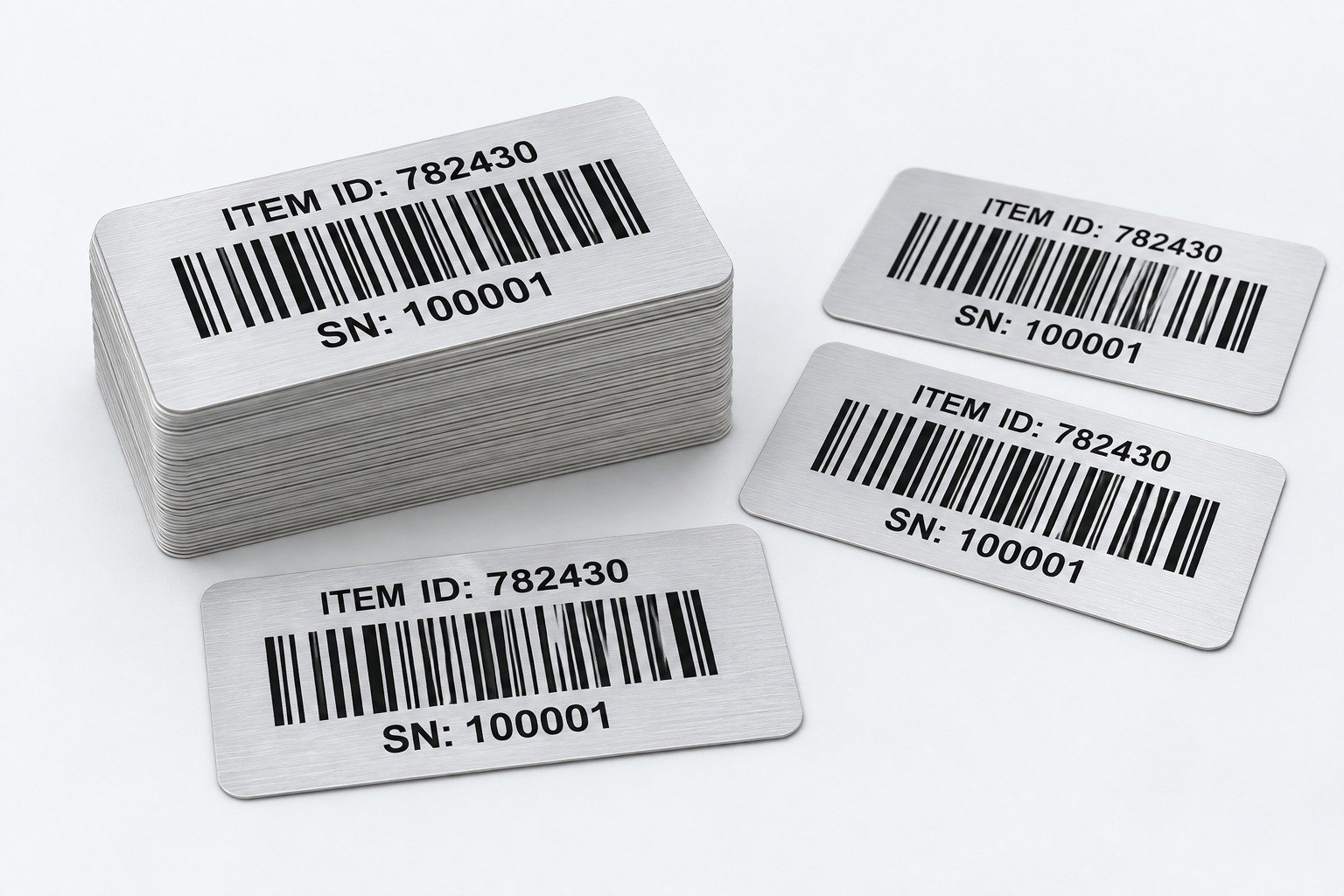 Product labels
Personalized Product Labels: A Practical Guide for Brands
Plan product labels around artwork, packaging, barcodes, formats, and finishes.